
How it works
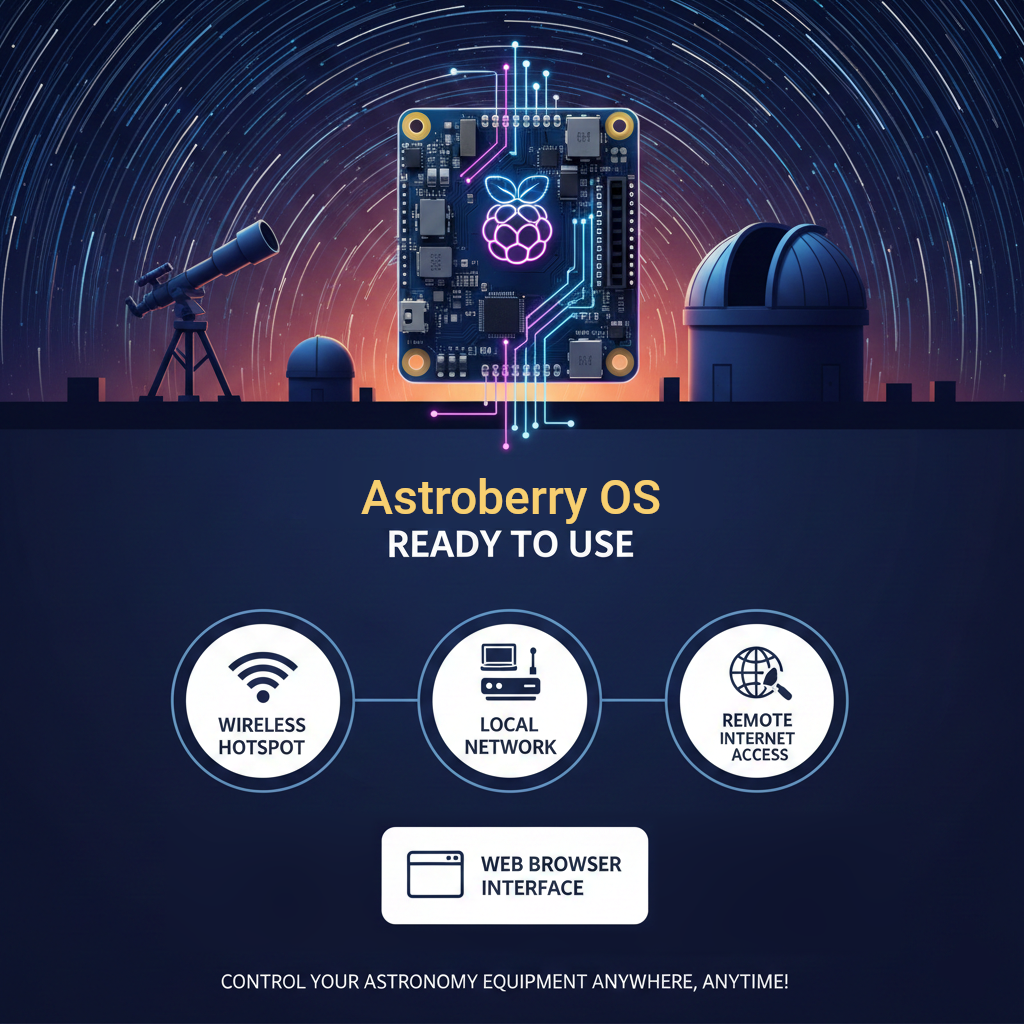
Astroberry OS is a a free and open-source operating system for controlling astronomy equipment. Primarily designed for Raspberry Pi, however it can support other devices too. With Astroberry OS you can remotely control a telescope, a focuser, a camera or the entire observatory, wherever it is located - in your backyard or hundreds kilometers away. Your equipment is connected to a Raspberry Pi or other device powered by Astroberry OS, and is accessible with a web browser, via a wireless hotspot, local network or the Internet.
Features
Astroberry OS provides integrated desktop experience, which offers system access via a web interface, with just a web browser. This enables users to run the system in a headless mode (no physical screen and keyboard) and access it remotely just like a local machine.
- Built on top of official Raspberry Pi OS for arm64 or Debian for amd64/x86_64
- Supports 64-bit Raspberry Pi 4 & 5 and mini PCs
- Wireless Hotspot for accessing the system in the field
- XFCE Desktop Environment
- New generation Astroberry OS web interface with integrated secure shell
- Virtual desktop accessible via web interface or VNC
- INDI framework with official device drivers
- Guide Star Catalog (GSC) for simulating star fields
- Astrometry for field solving
- KStars planetarium software
- PHD2 for autoguiding
- PHD Log Viewer for inspecting guiding performance
- StellarSolver for field solving
- ASTAP for field solving
- Gnome Predict for satellite tracking
- FireCapture for planetary imaging
- SER Player for viewing captured planetary video
- AstroDMX capture software
- CCDciel capture software
- Siril for DSO image processing
Powered by


