How to Transfer Files

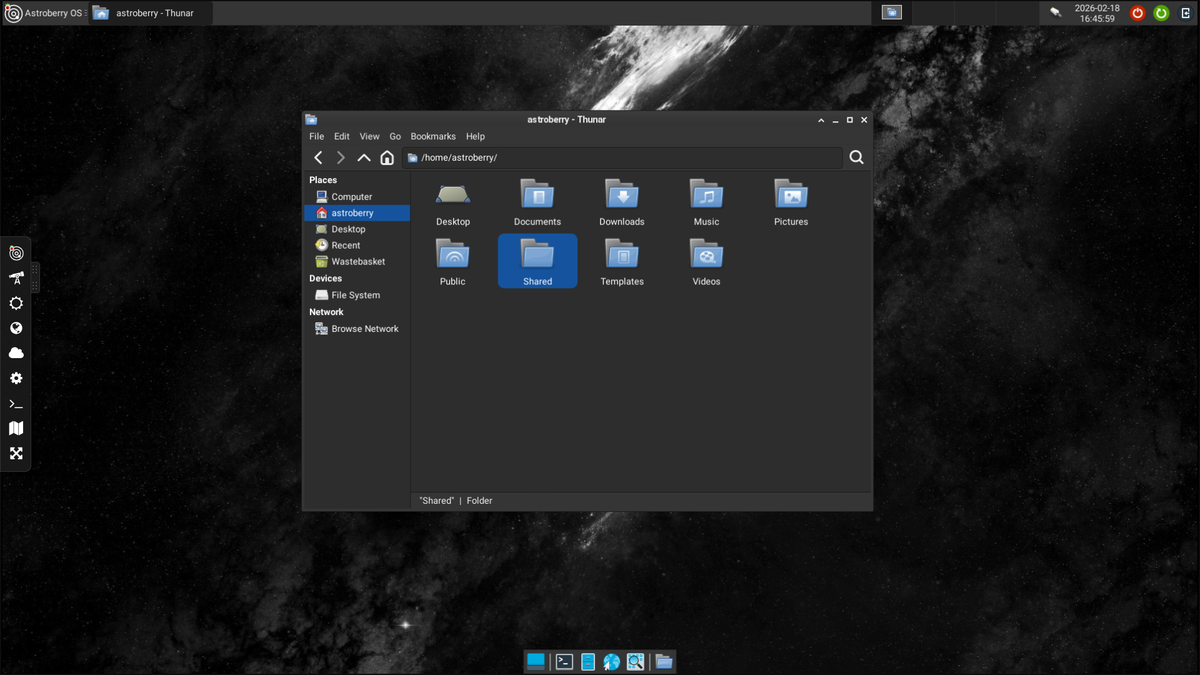
One of the most critical functions of any system designed for astronomy is to handle image files collected during imaging sessions. This includes transferring files to and from the system. Astroberry OS provides simple way to transfer files over a network.
Default configuration
Using a file manager of your favorite operating system, browse your network environment and look for astroberry host. When opened it presents directories shared over your local network.
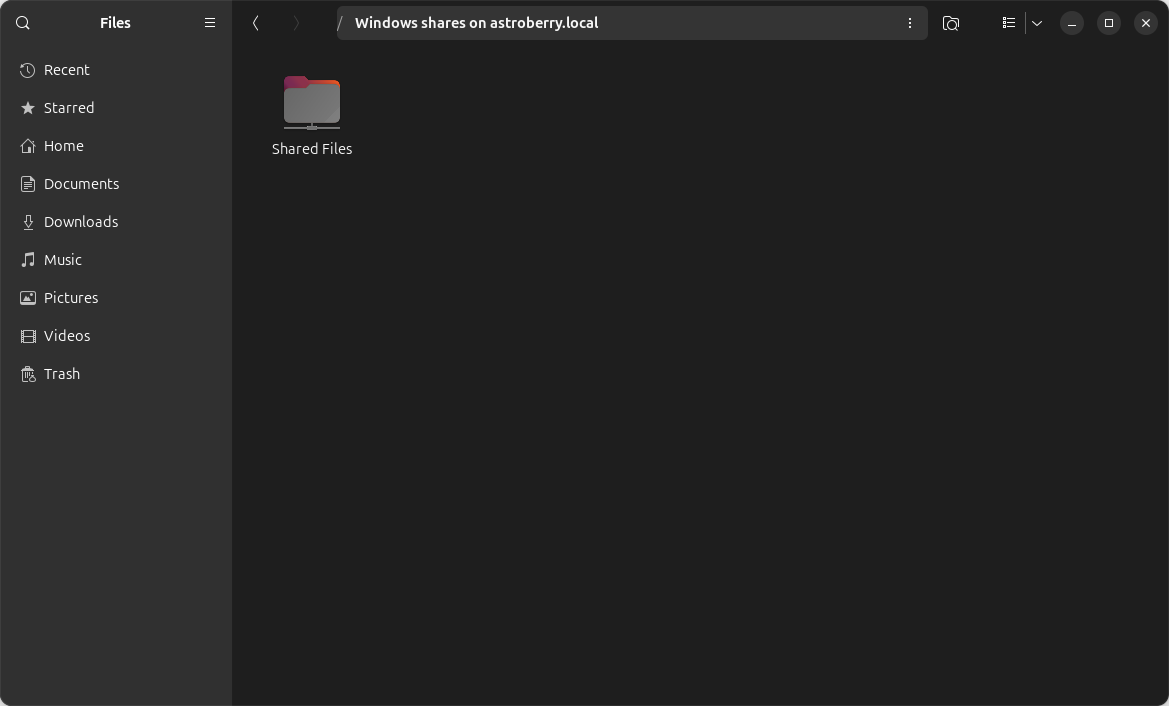
Default configuration of Astroberry OS shares a directory /home/astroberry/Shared over a network. Directory is accessible only to an authenticated user, so you have to login to access shared directory.
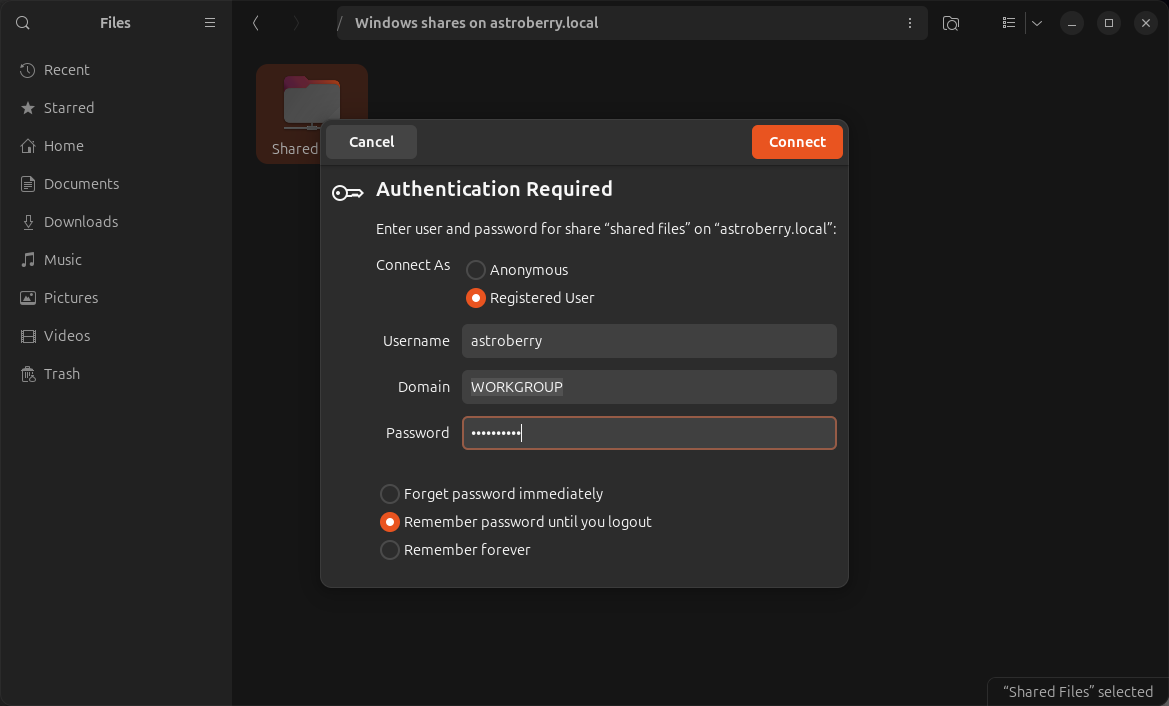
After you successful login, you can access shared files.
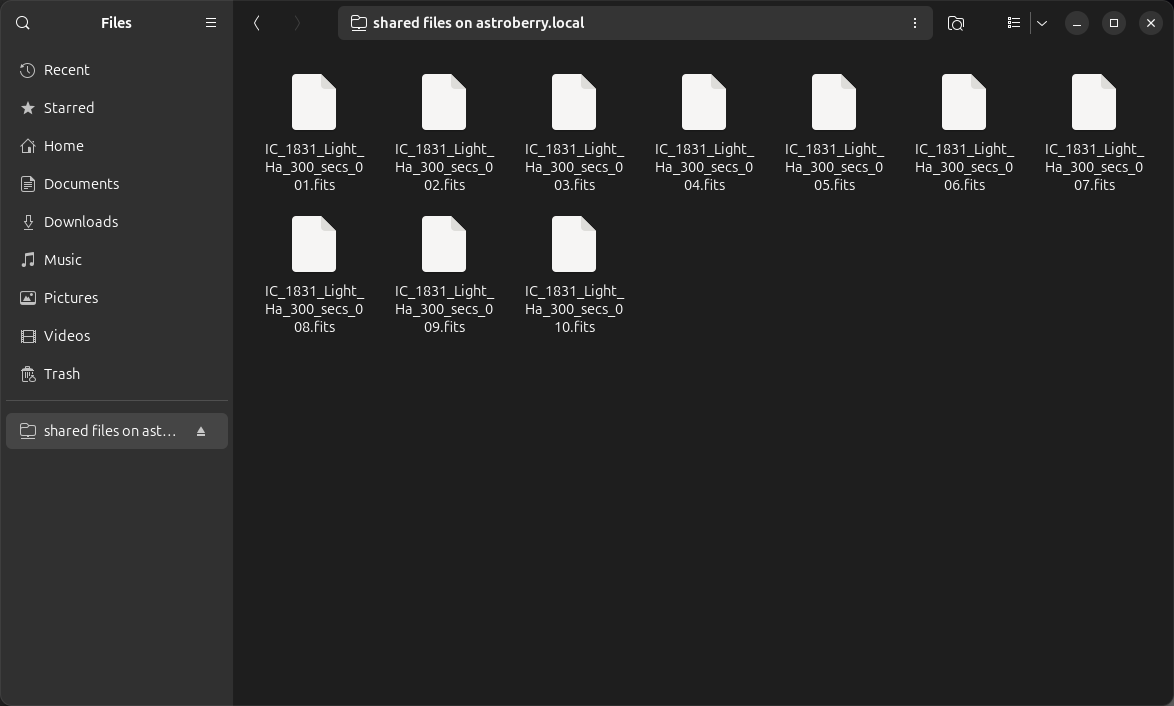
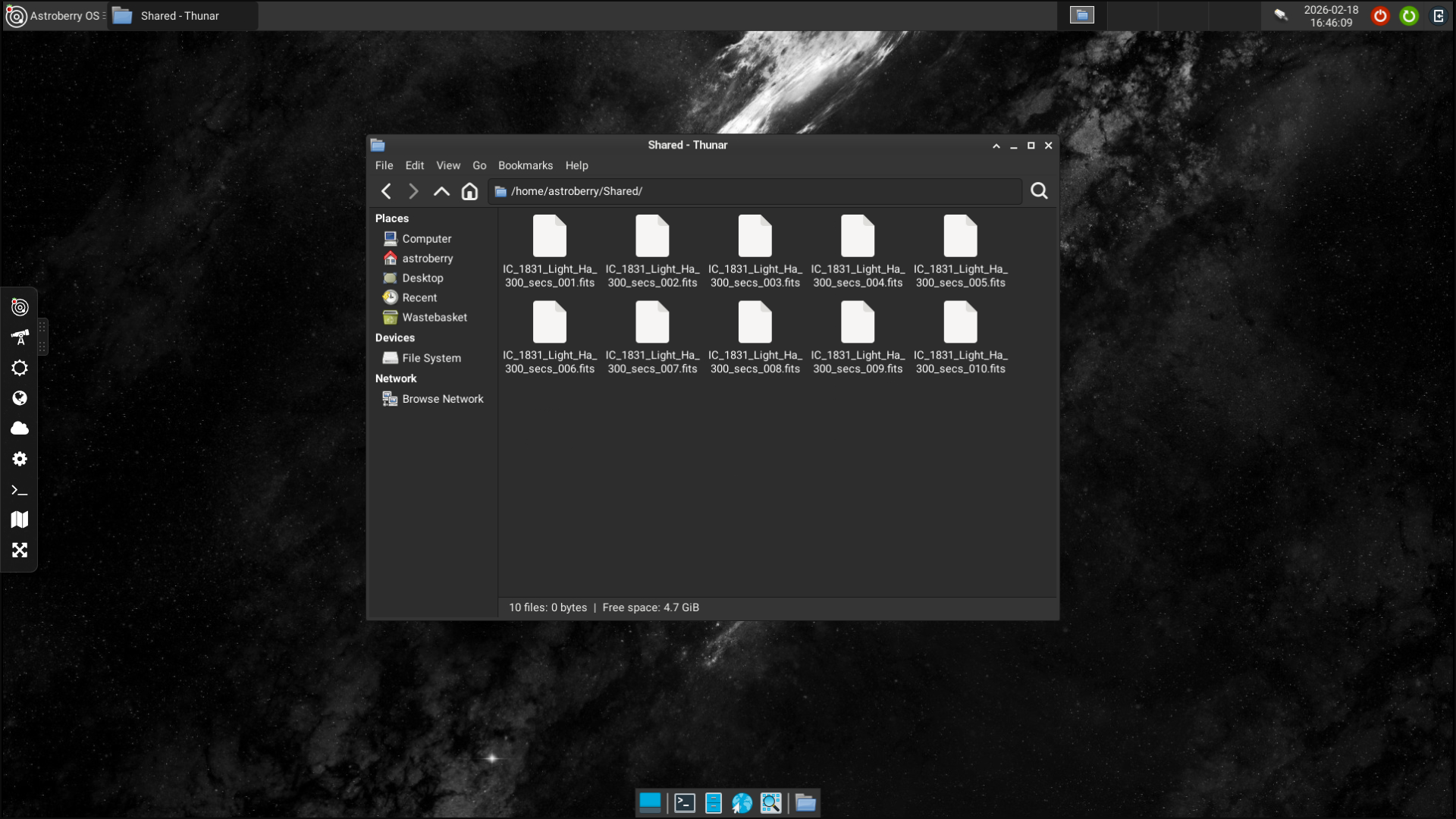
Wait, but where all these files are sitting, you ask. The answer is very simple, in the /home/astroberry/Shared directory.
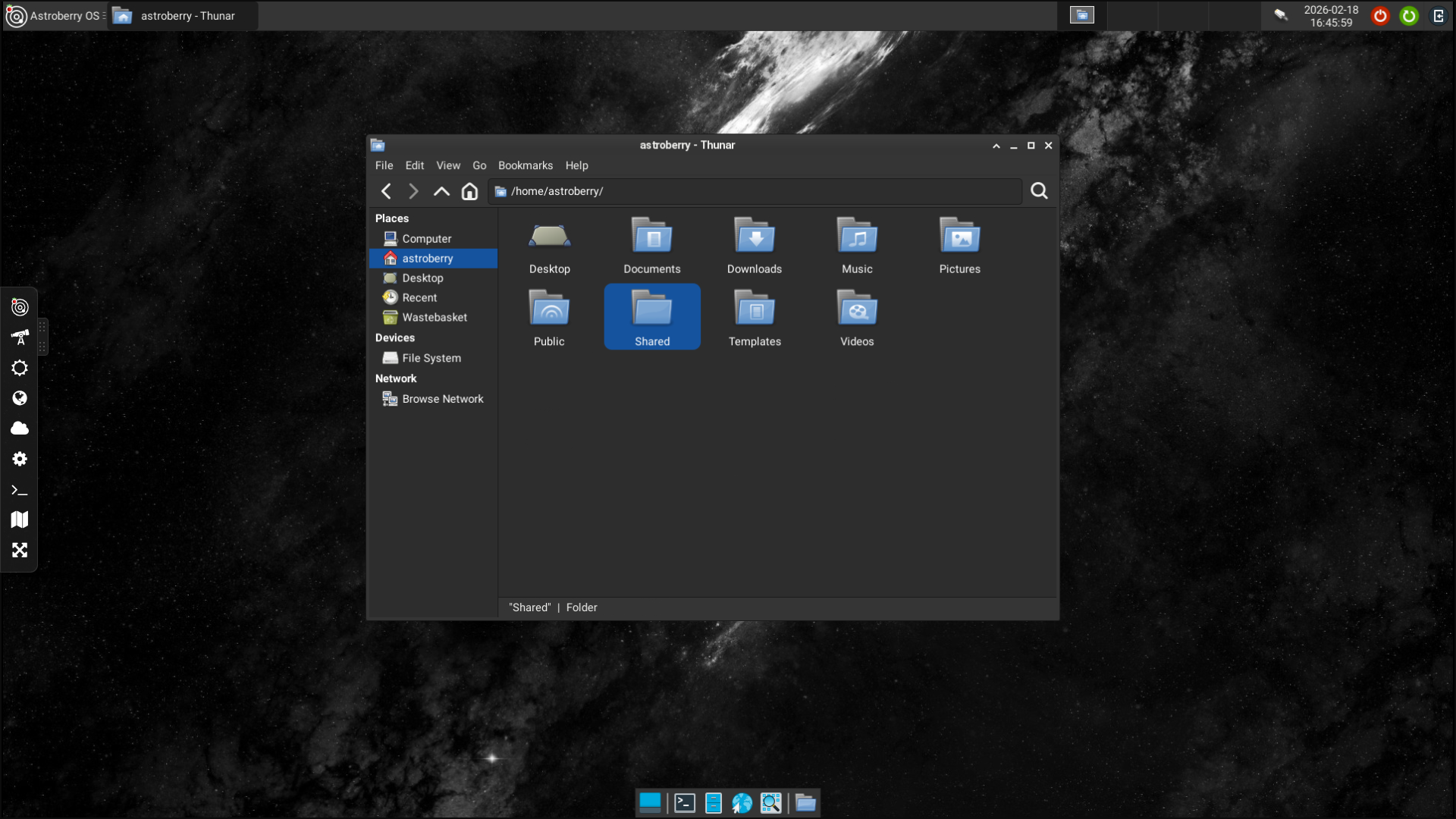
Whatever you drop into this directory, can be accessed over network. In our case we've got a few FITS files saved after last astro session.
Custom configuration
You might think, I wanna share other directory, or two... Just take a look at /etc/samba/smb.conf and customize it as you wish. It is always good idea to make a copy of an original file before making changes.
Sooner or later you will scratch your head on how to connect a network storage to your Astroberry OS. Using a microSD card to store hundreds of FITS, AVI or SER files just doesn't sound rational. This becomes real challenge for a stationary observatory. Let's cover this topic in another port.
Conclusion
The easiest way to transfer file to and from Astroberry OS is by using network shares. By default a directory /home/astroberry/Shared is accessible over local network. Using network attached storage is also possible.