Astroberry is back!

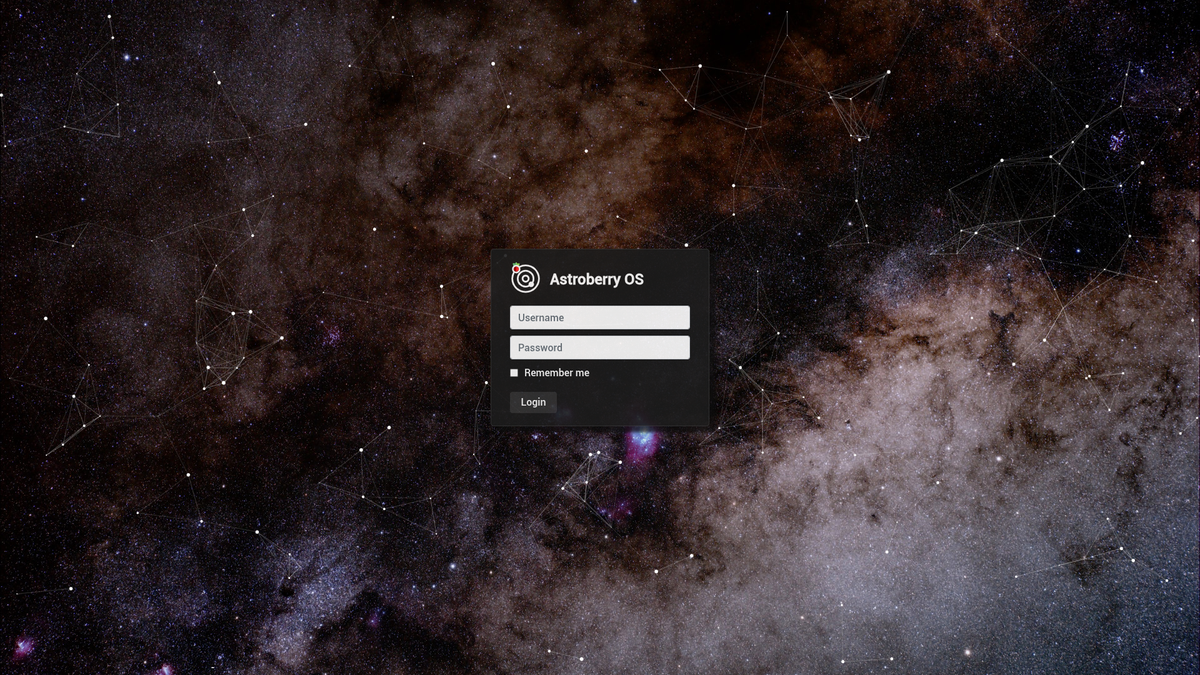
The new version of Astroberry OS (formerly known as Astroberry Server) has been released. Astroberry OS is coming back with support for Raspberry Pi 5 and 64bit architecture. It is built on top of the official Raspberry Pi OS (Debian Trixie).
What's new
It's been long time since the last release. As the result a lot of changes have been introduced to the system. Some of them are absolute game changers, while others are regular upstream software updates. The most important changes are:
- Support for Raspberry Pi 5
- Support for 64bit architecture
- Debian 13 (Trixie)
- New generation web interface aka astroberry-manager
- Automated packaging & image building process
Name
The era of Astroberry Server is over and now the system is called Astroberry OS!
System
Astroberry OS supports Raspberry Pi 5 and 64bit architecture (arm64). The system is built on top of the official Raspberry Pi OS (Debian Trixie / Debian 13).
Entire system has been redesigned from scratch. This means that you cannot simply upgrade from previous version. You have to start over and flash a new microSD card with the system image. Advanced users can install selected packages on Raspberry Pi already running up-to-date Raspberry Pi OS.
Software
The core of the system stays the same. Astroberry OS provides:
- INDI core and 3rd party drivers for astronomy devices
- KStars planetarium software
- PHD2 for autoguiding
- Firecapture for planetary imaging
The core software packages are available from Astroberry APT software repository and are preinstalled in the system image.
Packaging
Entire packaging system has been migrated to GitHub actions. Software packages available in Astroberry APT software repository (except external binary packages e.g. Firecapture, AstroDMx, CCDciel) are compiled from publicly available sources. Self-hosted actions runner is used as a worker.
User interface
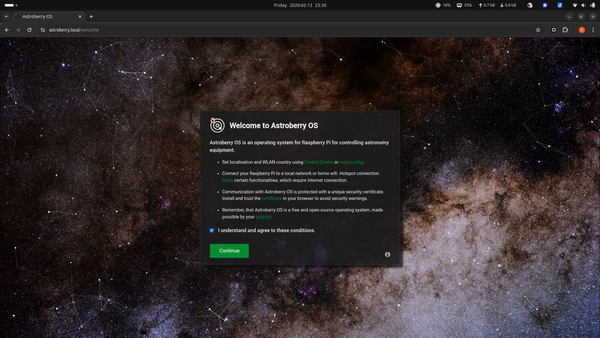
Astroberry OS provides the new generation web interface. You can access your system using just a web browser. No need to install any specialized software to control your astronomy devices. Just a web browser, seriously.
- Display a skychart and information about telescope coordinates, time and location
- Find stars, clusters, nebulas, galaxies and other objects
- Access detailed data on Polaris, Sun, Moon and Solar System planets
- Display weather conditions and forecast for your location
- Set your location based on IP, GPS or manual settings
- Display system information, events and settings
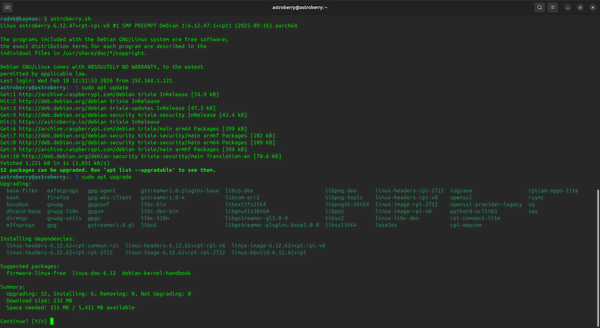
- Access system terminal for command line interface and system administration
- Perform system maintenance tasks, such as update, backup, restore, restart, shutdown
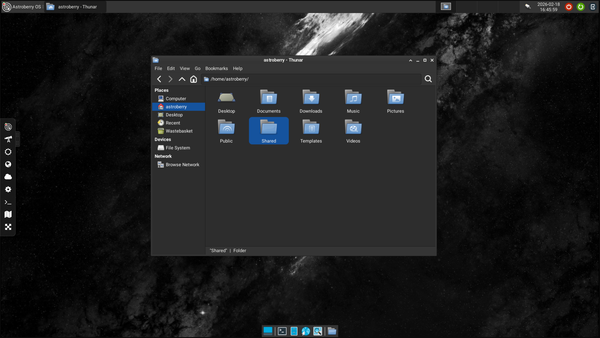
- Use a regular desktop to run KStars, PHD2 or any other software, using just a web browser
Website
The new website is launched along Astroberry OS. We hope to grow community around Astroberry OS and other Astroberry projects. So stay tuned.