
Install
There are two distinctive ways to install Astroberry OS:
- Flash a microSD card with the system image or
- Install software packages from APT software repository.
System image
The simplest way to run Astroberry OS is to flash microSD card with a system image file. You can do this in 3 simple steps.
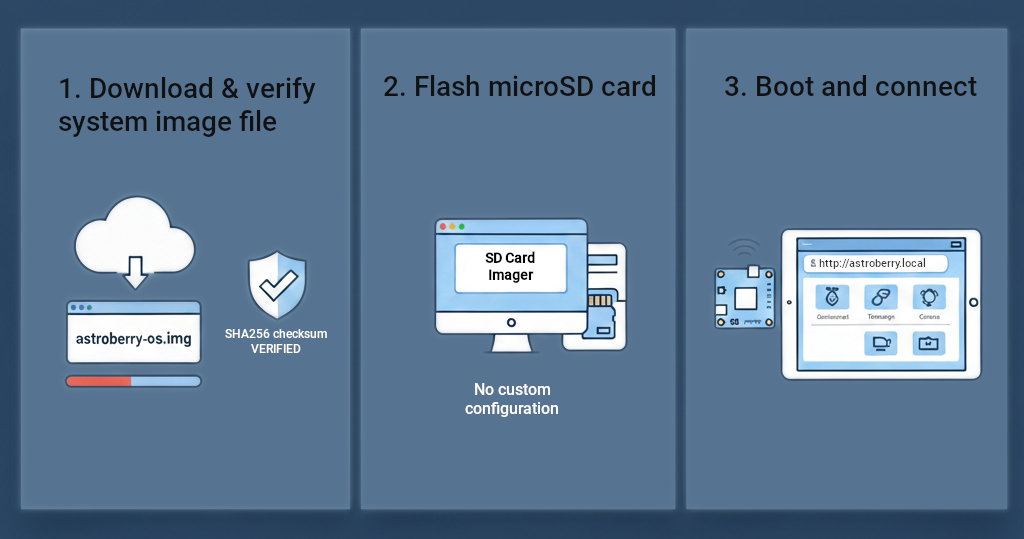
1. Download & verify system image file
After downloading the system image file, verify SHA256 checksum of the file before going to step 2. If the checksum is not correct, the file is corrupted and must be downloaded again. This step is optional but recommended.
2. Flash microSD card
Decompress the downloaded file and flash your microSD card. If using Raspberry Pi Imager, DO NOT apply custom configuration to the image file. Just flash the card and go to step 3.
3. Boot and connect
After the first boot, search for 'astroberry' wireless hotspot and connect to it using 'astroberry' for password. Next, point your browser to http://astroberry.local and enjoy! Some features require access to the Internet, so in most cases it is better to use a local network connection rather than hotspot.
APT Repository
If you prefer to install selected packages on top of your existing Raspberry Pi OS system (64-bit ), use our APT repository.
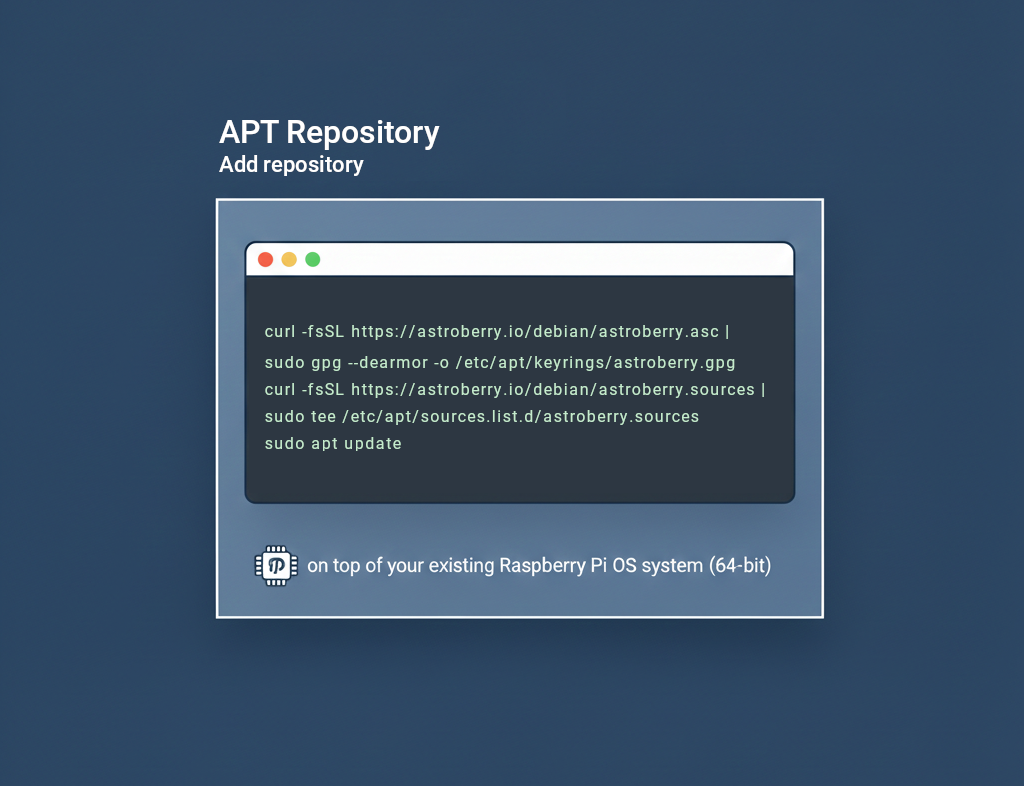
Add repository
Run the following commands in your terminal to add Astroberry OS APT repository to your system.
curl -fsSL https://astroberry.io/debian/astroberry.asc
| sudo gpg --dearmor -o /etc/apt/keyrings/astroberry.gpg
curl -fsSL https://astroberry.io/debian/astroberry.sources
| sudo tee /etc/apt/sources.list.d/astroberry.sources
sudo apt update
To set priority to Astroberry OS APT repository create a new file /etc/apt/preferences.d/astroberry-pin with the following content:
Package: *
Pin: origin astroberry.io
Pin-Priority: 900
Install packages
At this point you can install Astroberry OS in one command
sudo apt install astroberry-os-lightor
sudo apt install astroberry-os-desktopNote that manual installation does not provide system customization included in provided system image. It is up to you to manually configure your system after software installation.